
Your AI app builds the tool. Kivora runs it for your team.
Connect Claude Code, Cursor or Codex to your workspace. Every tool it pushes gets your team's sign-in, its own database and secrets, workflows and monitoring, already wired. Changes to your infrastructure, and risky changes to your data, wait for an Owner or Admin to approve.
Campaign briefs
Runningbriefs.northwind.kivora.space
Last push by Claude Code · 4 min ago
Claude CodeConnected
- campaign-db · Postgres
- brief-alerts · Workflow
- SLACK_TOKEN · Secret
Claude Code Add table leads to campaign-db
Risk: Additive Awaiting approval
+create table leads (+ id uuid primary key,+ name text not null,+ email text not null,+ created_at timestamptz default now()+);Your AI app operates it. A person approves.
Works with the AI apps you already use
- Claude Code
- Cursor
- VS Code
- Codex
- Gemini CLI
- Claude Desktop
Approve in Kivora
Changes to your infrastructure, and risky changes to your data, wait on the Changes page until an Owner or Admin approves them.
Approve from your AI app
An Owner or Admin can approve from their own AI app too, once they allow it the infra:approve scope.
Members propose
A Member's AI app can propose changes but never approve them. The audit names the person and the AI app.
How it works
Four steps from a request in your AI app to a tool your team signs in to.
-
Connect your AI app
Connect Claude Code, Cursor or Codex to your workspace.
-
Ask for a tool
Your AI app builds a tool and pushes it to Kivora.
-
Approve the change
Changes to your infrastructure, and risky changes to your data, wait for an Owner or Admin to approve.
-
Your team signs in
The tool is live with your team's sign-in, database, secrets, workflows and monitoring, already wired.
Build a form for our campaign briefs, with a table for the leads it collects.
- Claude Code created the tool Campaign briefs
- Claude Code pushed release 1
- Claude Code proposed: add table leads to campaign-db
Add table leads to campaign-db
Risk: Additive Applied
Audit
- Claude Code proposed: add table leads to campaign-db
- Linh, Owner approved the change
- The change was applied
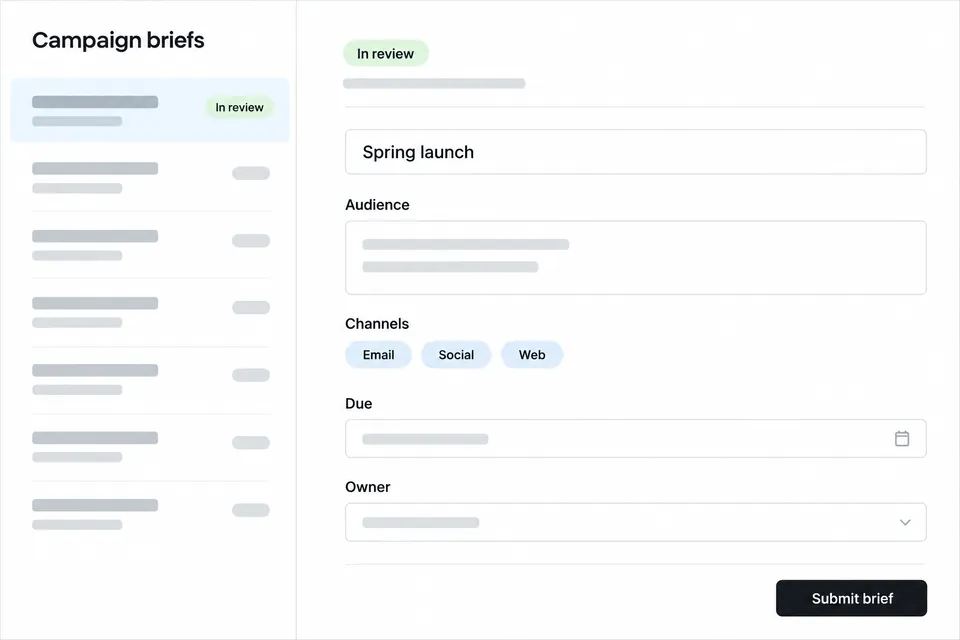 Members of Northwind Marketing only
Tools a team asks for
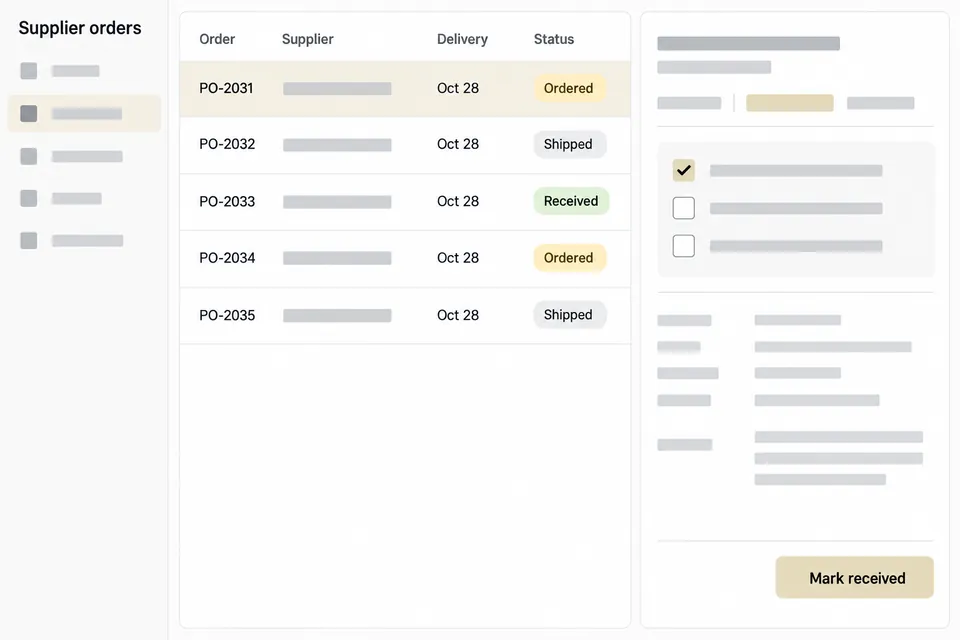
A few examples of the internal tools an AI app can build and push to a workspace.
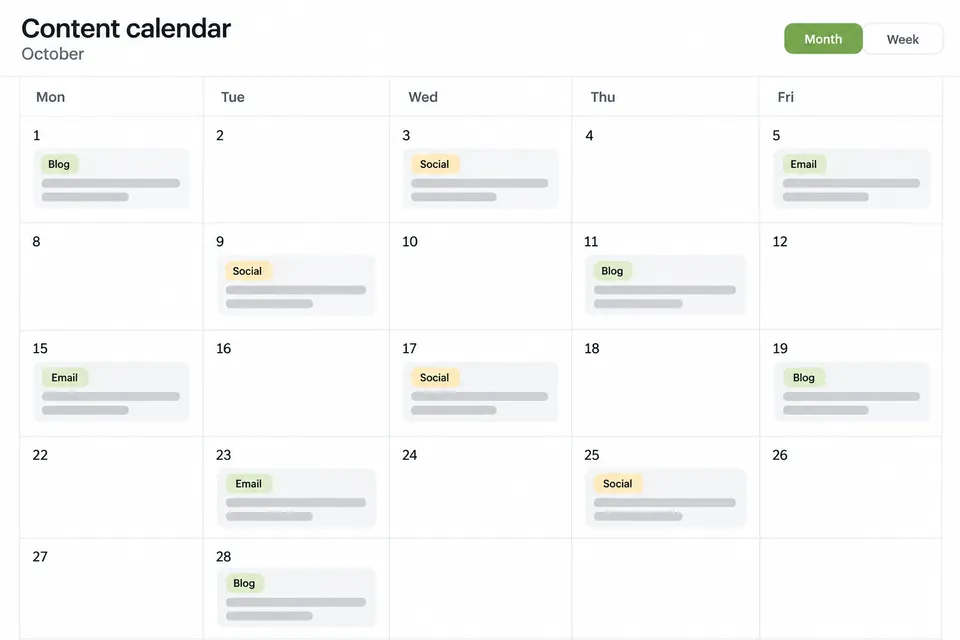
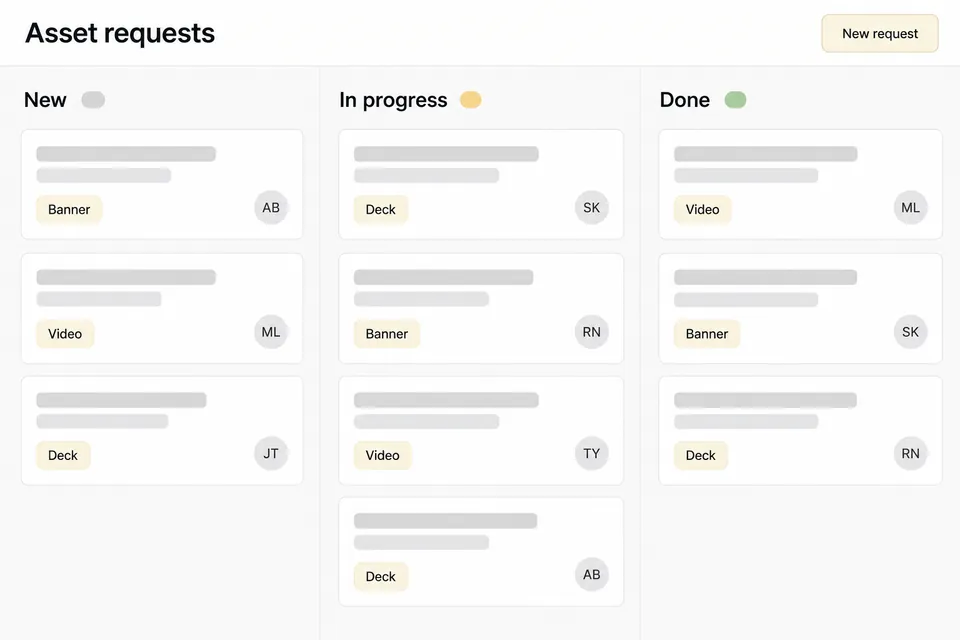
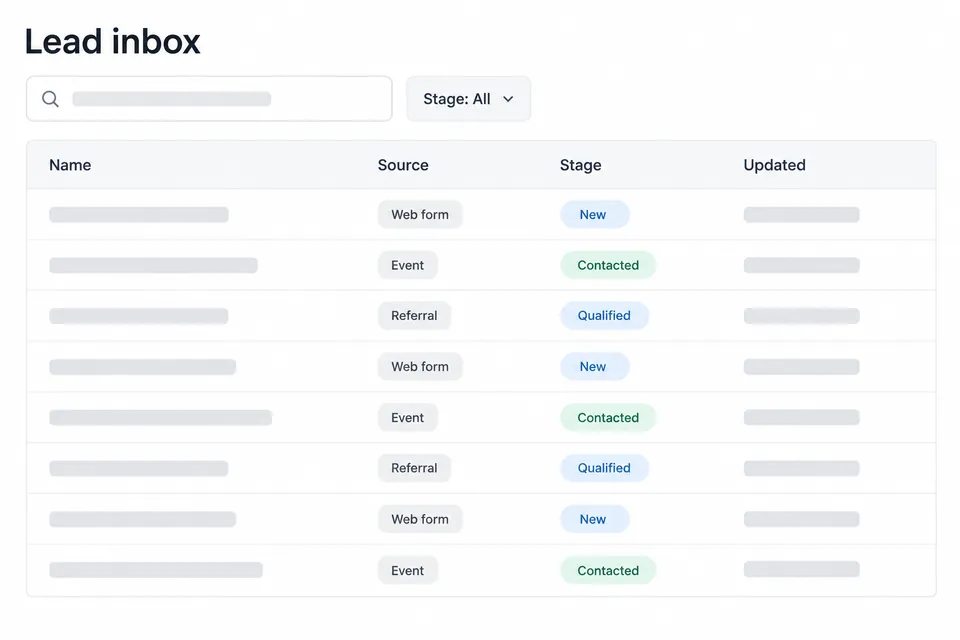
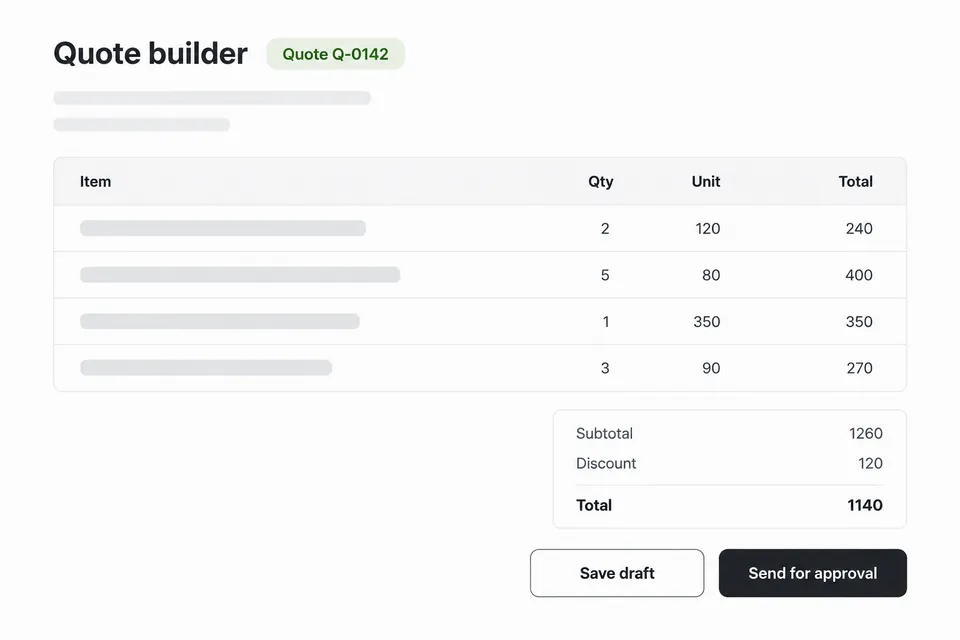
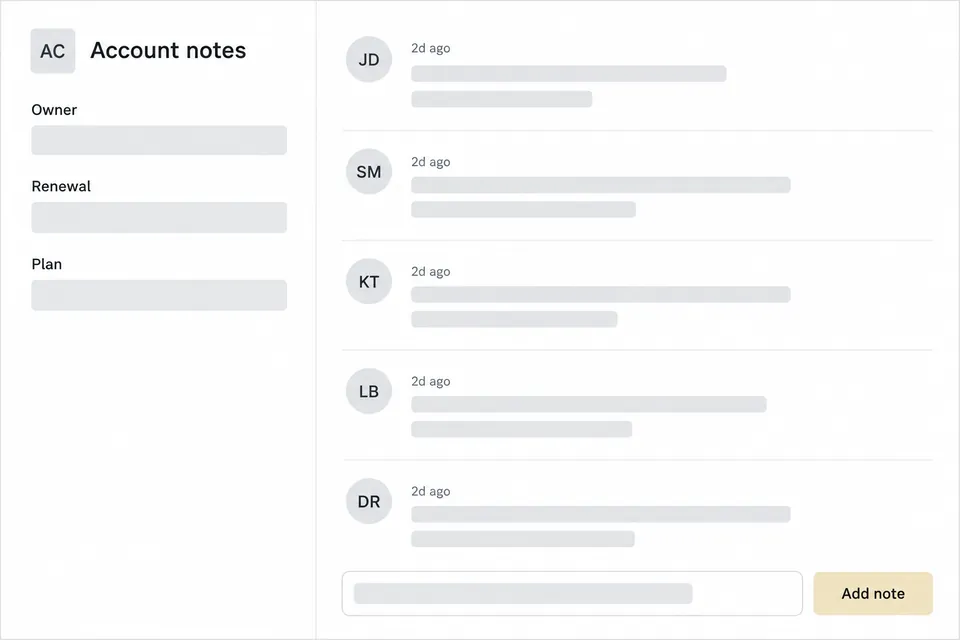
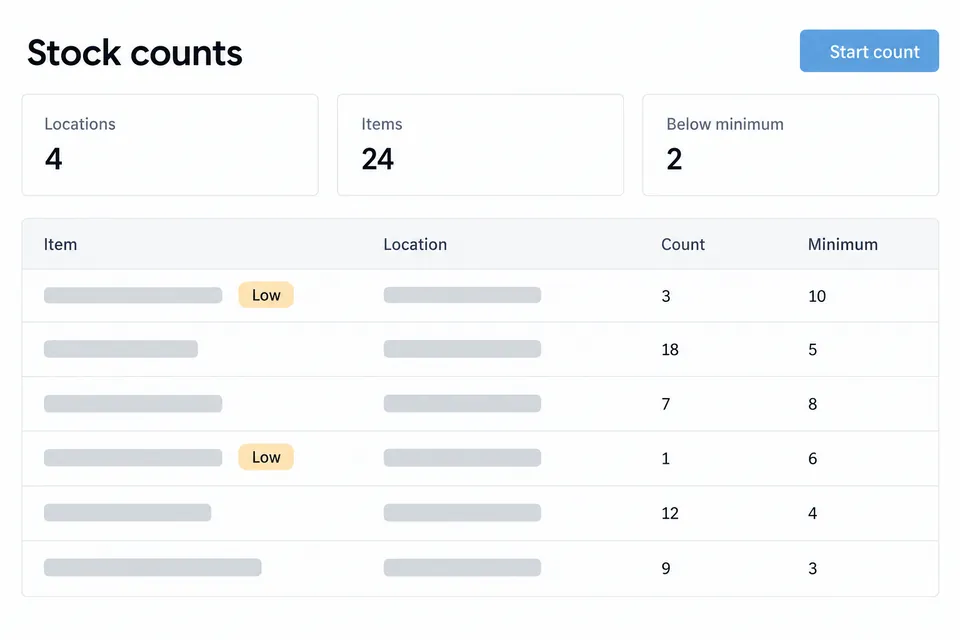
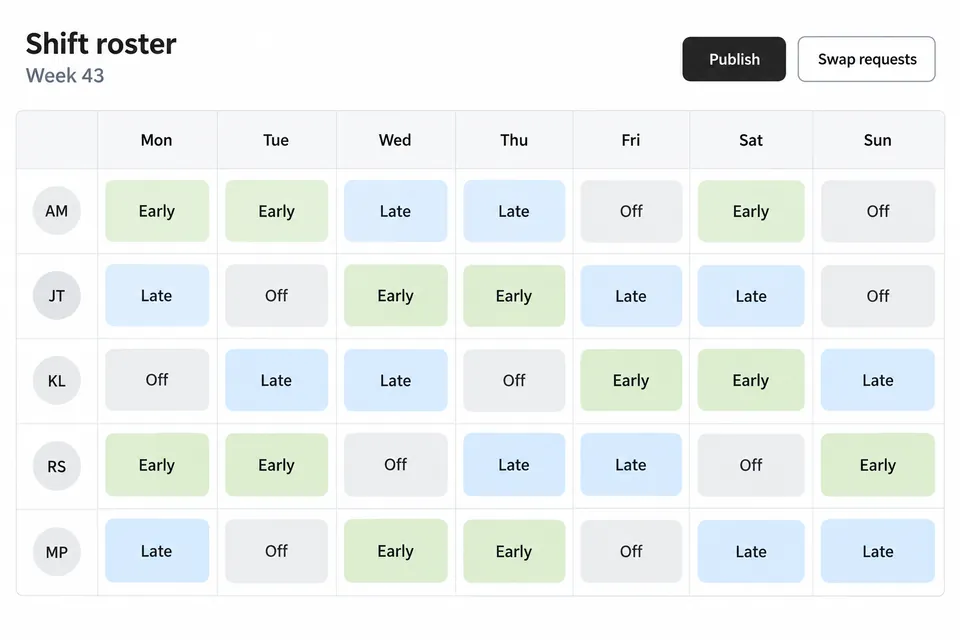
Everything a tool needs, already wired
Nobody on your team sets up servers, databases or networks. Kivora gives every tool the same foundation, and your AI app can reach all of it.

Your team's sign-in
Only people in your workspace open a tool, signed in with their Kivora account. Nobody signs in twice.
A sandbox of its own
Each tool is built from what your AI app pushes with git and runs in its own sandbox.
A Postgres database
One per tool, with a viewer, an SQL console, backups and migrations sorted by risk.
Secrets
Keys and tokens live in Kivora, out of the code your AI app writes.
Workflows
Triggers, an event bus and a runner for work that starts on a schedule or after an event.
A controlled way out
A tool reaches the Internet only at the hosts a person allowed.
Monitoring
Errors, metrics, analytics, uptime and incidents for every tool.
Releases and rollback
Every push builds a release. Roll back to an earlier one when you need to.
More when a tool needs it
Redis, object storage, queues and scheduled jobs, each added through a change a person approves.
Members and roles
Invite people by email as Owner, Admin or Member.
Questions
Which AI apps can connect?
Claude Code, Cursor, VS Code, Codex, Gemini CLI and Claude Desktop each have a guide on the Connect AI page. You allow every connection on a consent page that names the workspace, and you can untick any permission it asks for.
Can my AI app change a database on its own?
A migration that only adds, such as a new table or a nullable column, applies when the tool deploys. Anything else is risky: it waits for an Owner or Admin to approve it, and Kivora backs up the database before it runs.
Who can open a tool?
Only members of the workspace, signed in with their Kivora account. Someone who is not a member never reaches the tool.
Can a tool reach the Internet?
Only the hosts an Owner or Admin allowed for that tool, on ports 80 and 443. Private addresses are always refused.
What happens when a push breaks the tool?
A new release takes over only after it answers its health check, so the old one keeps running until then. Every push to main makes a release, and you can roll back to an earlier one.

Put a working tool in front of your team.
Create a workspace, connect your AI app and ask for the first tool.